
Digital signage & Android media boxes for hospitals and education
Screens are now part of campus and clinical infrastructure — wayfinding, announcements, classroom media, waiting-area information. The winners treat them as managed systems, not consumer gadgets taped to a wall.
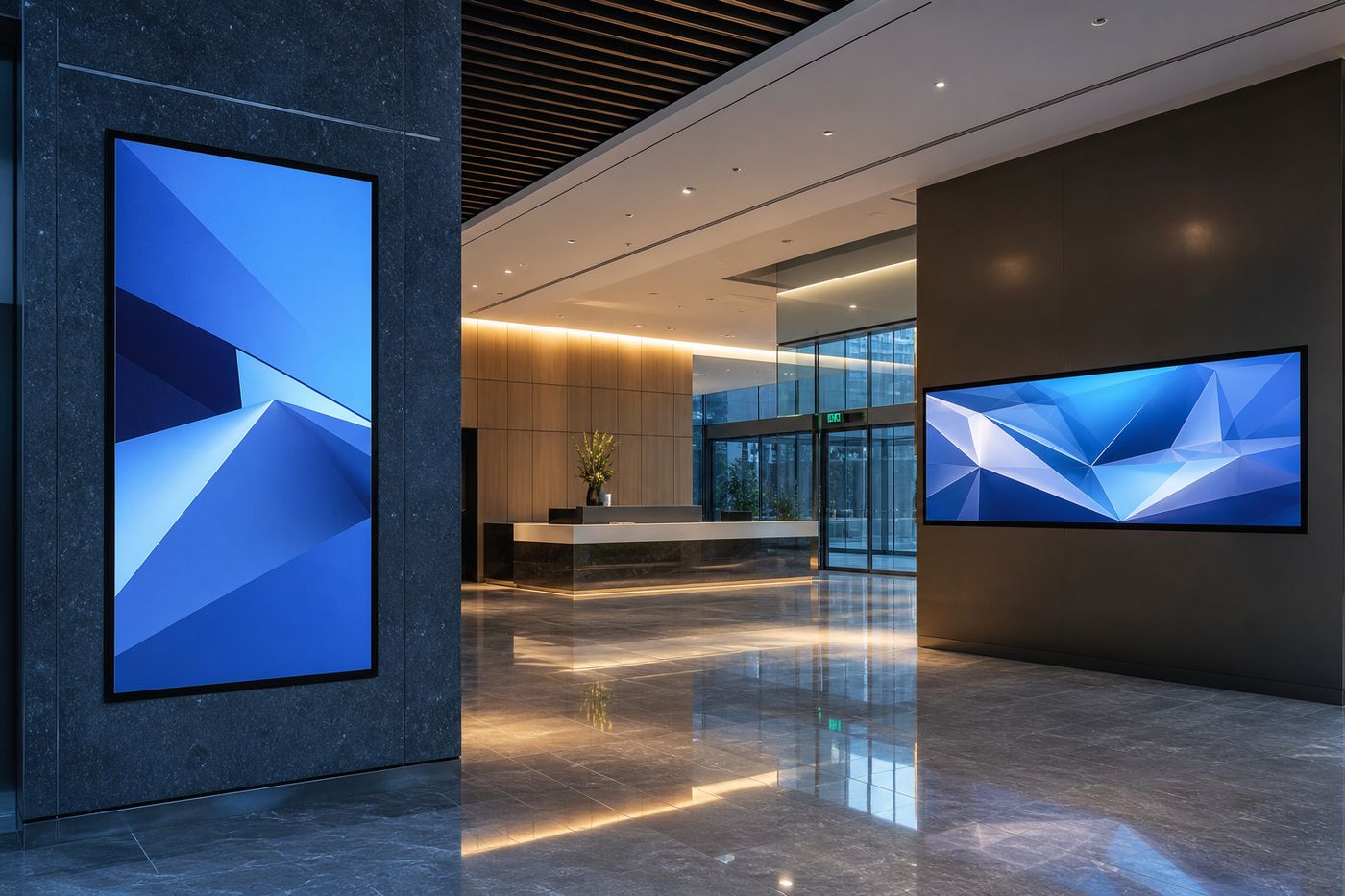
Hospitals and education institutions across India are investing in digital experiences: lobby directories that replace static posters, classroom displays that support hybrid teaching, ward or reception screens that carry schedules and advisories. The technology is accessible. The operational model is where projects succeed or quietly decay.
Two building blocks appear again and again: commercial-grade digital displays, and Android media boxes (or IPTV-capable set-top platforms) that can be managed at scale. Pair them with a sensible network design, and facilities teams stop chasing remote controls.
Start with jobs, not screen sizes
Before choosing panels, define what each screen must do:
- Wayfinding and queues — always-on, high readability, simple content updates
- Classroom / lecture media — reliable input switching, clear audio path, teacher-friendly control
- Waiting and wellness content — scheduled playlists, brand-safe media, limited local tinkering
- IPTV / OTT for residences or hostels — managed Android boxes with consistent app policies
A 55-inch panel bought for “general use” without a content owner becomes a dark rectangle within months. Assign ownership early: communications, IT, facilities, or academic media — and write a short update SLA.
Why Android media boxes belong in institutional designs
Android-based media platforms give institutions a flexible endpoint: signage players, IPTV clients, or controlled OTT access depending on policy. The advantage is not “apps for everything.” The advantage is a repeatable device image — same OS baseline, same remote management approach, same recovery path when a unit misbehaves.
For hospitals, that may mean locked-down waiting-room players that only show approved content. For education, it may mean classroom boxes that launch a teaching playlist or campus channel without inviting open browsing. For hostel or staff residential networks, IPTV-oriented Android boxes can deliver a familiar living-room experience on a managed campus network.
Network design is half the product
Media endpoints fail in interesting ways when VLANs, multicast, captive portals, or Wi-Fi guest policies are afterthoughts. Practical guidelines:
- Prefer wired Ethernet for always-on signage and classroom players
- Separate guest Wi-Fi from device management networks
- Plan bandwidth for concurrent classroom streams during peak periods
- Document DHCP reservations or inventory tags so a blank screen can be found in minutes
If the campus already runs fiber access or structured cabling upgrades, coordinate display and IPTV endpoints with the same integrator mindset you use for switches and APs. Screens are network clients with a public face.
Commercial displays vs consumer televisions
Consumer TVs look attractive in a purchase order. They often disappoint in 16-hour duty cycles, mounting constraints, warranty terms, and control interfaces. Commercial displays are specified for institutional runtime, orientation options, and integration with media players. For lobbies, corridors, and classrooms that stay powered through the day, the commercial path usually costs less over three years — especially when factoring replacements and downtime.
Content governance beats fancy features
The most elegant hardware stack still fails if content is chaotic. Successful sites keep a small content template library, a clear approval path for clinical or academic messaging, and scheduled publishing rather than last-minute USB sticks. Android players should be configured so local users cannot casually install side apps that break the playlist.
A practical rollout sequence
- Map locations and jobs-to-be-done for each screen
- Choose commercial displays sized for viewing distance and ambient light
- Standardise on a managed Android / IPTV media box profile
- Validate network segments and remote support access
- Pilot one ward floor or one academic block before campus-wide rollout
- Train facilities staff on reboot, HDMI path checks, and escalation
How StelFiber supports these projects
StelFiber supplies digital display solutions and Android boxes for IPTV and media delivery, alongside the fiber and access networking many campuses already expand in parallel. Whether you are modernising a hospital lobby, equipping smart classrooms, or building a managed media layer on top of FTTH-class campus connectivity, we can help shortlist hardware and connect you with the right deployment conversation.
Bring a floor plan, approximate screen count, and whether content is centrally scheduled or locally managed — that is enough to start a useful specification discussion.